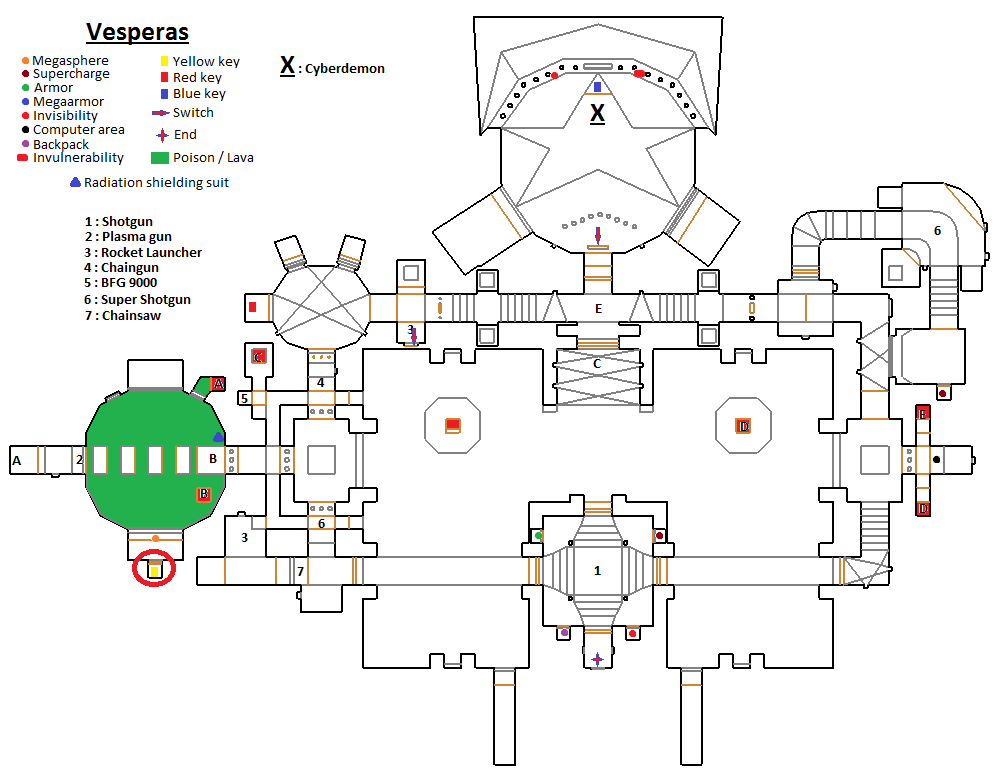
Sketch
Before you start building the level, try to draw a level diagram. This applies not only to complex 3D levels but also to 2D levels. When you feel you have a clear idea of the level, you can stop drawing the level diagram at any time and start making it.
Sketching for levels follows the steps below, similar to drawing.
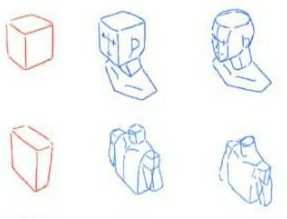
1. Parti thumbnails
"Parti" in architecture means the core concept of a project. In level design, it refers to the overall structure of a level.
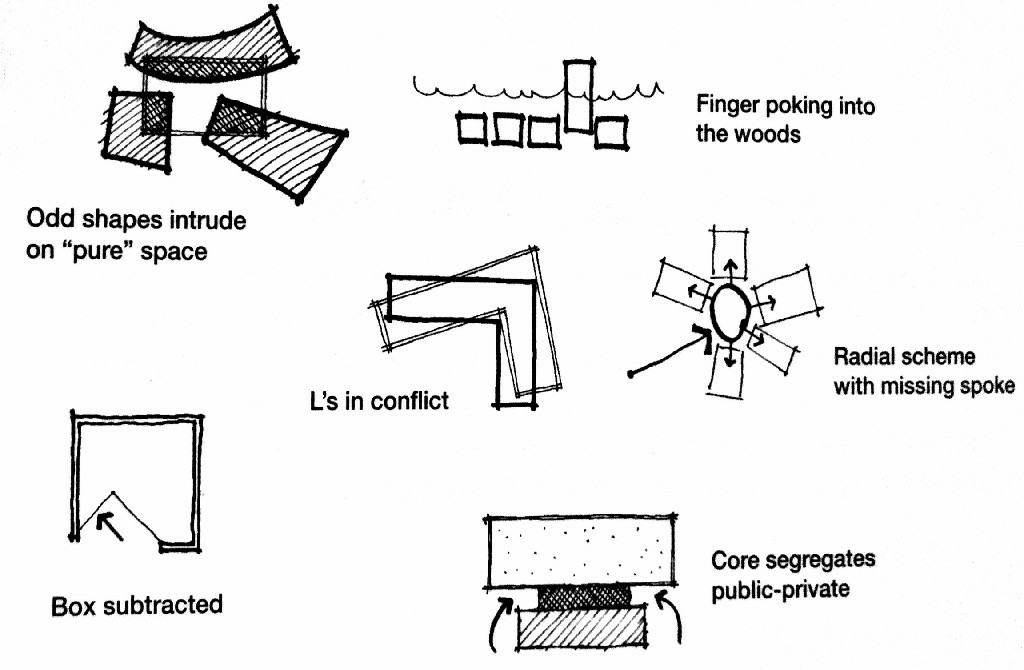
Don't spend too long on each one.
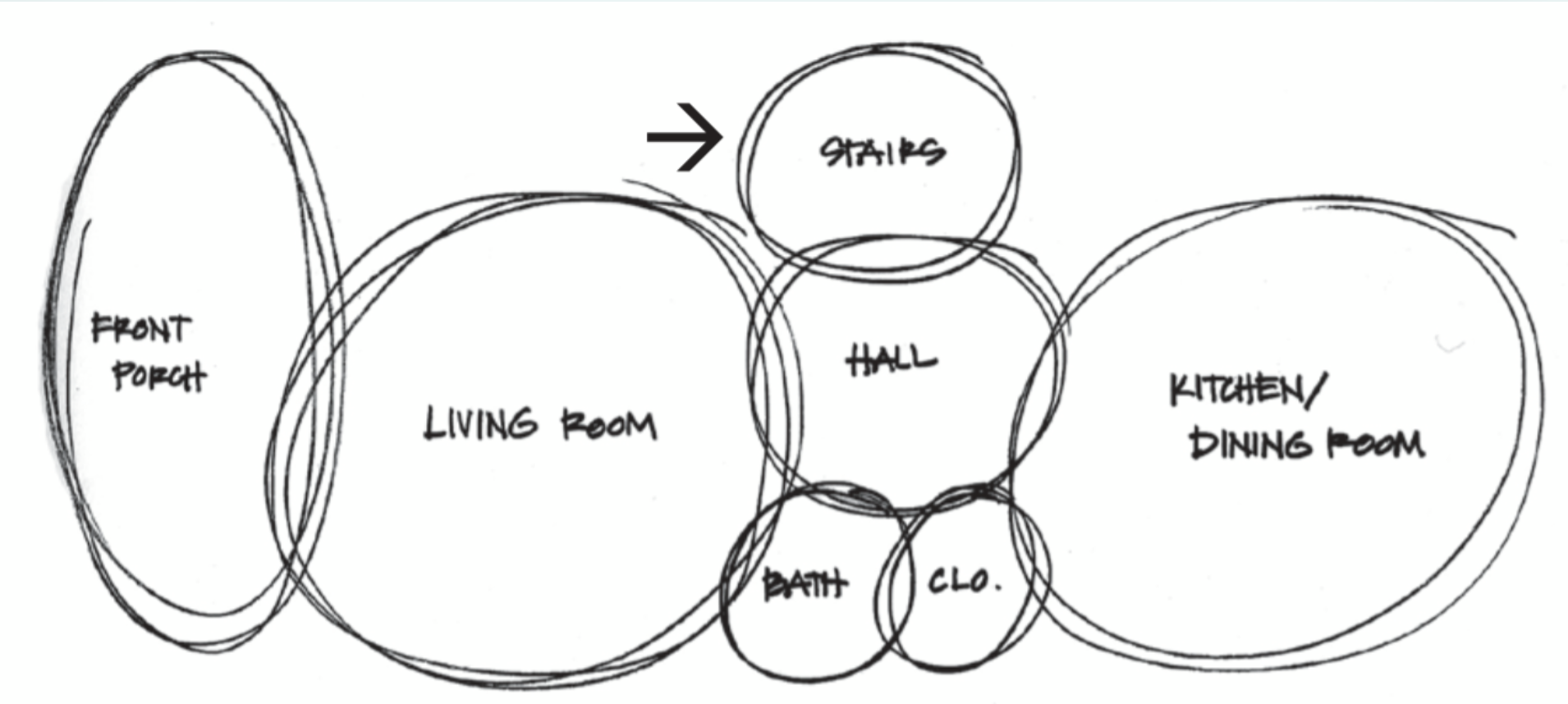
2. Bubble Diagrams
The goal of the bubble diagram is to establish proportions and relationships in your level.
3. Floor Plan
A floor plan is an imaginary horizontal slice through your level. Normally, we use bold lines for the level structure and represent fillers with thinner lines. Floorplanner is a great tool when levels go complicated.
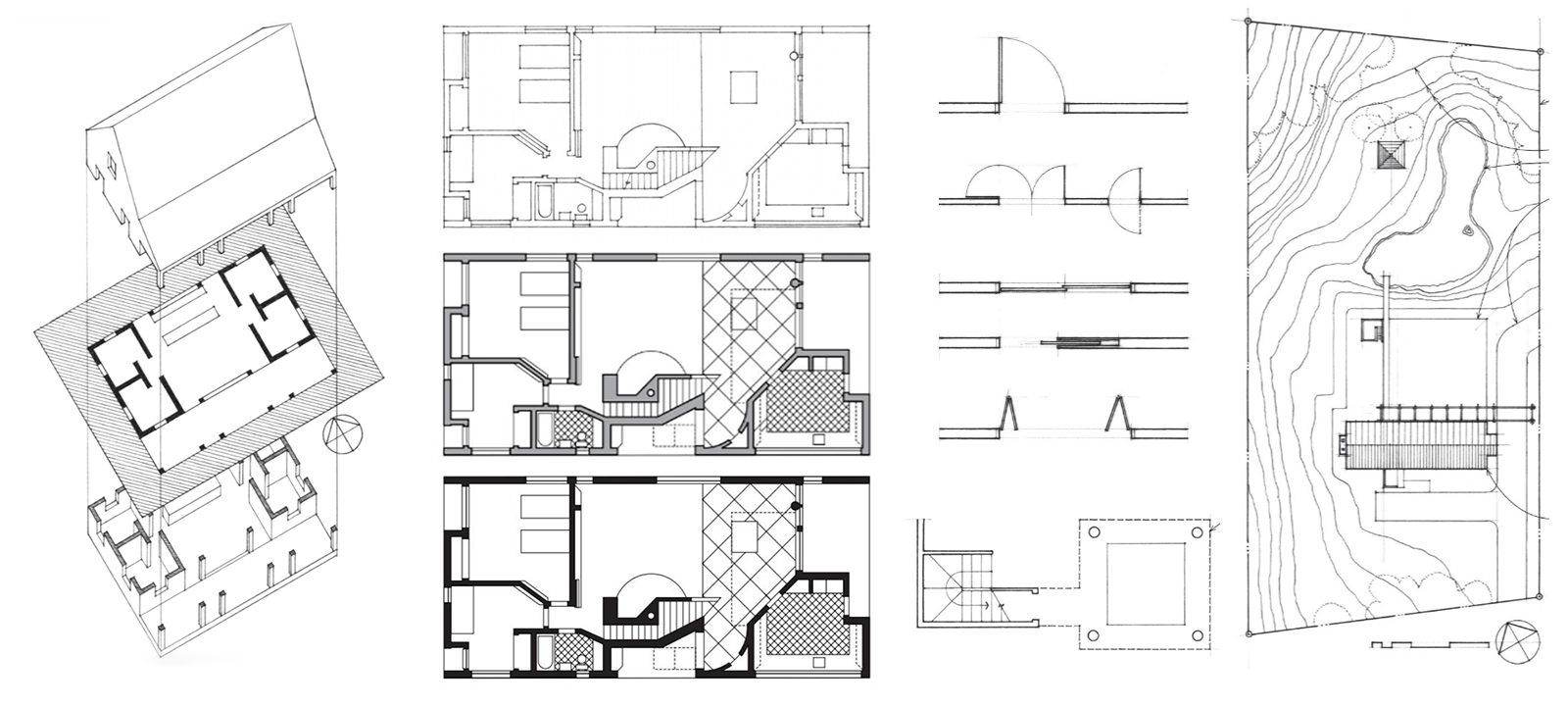
After drawing the floor plan, try using background colors to represent different areas.
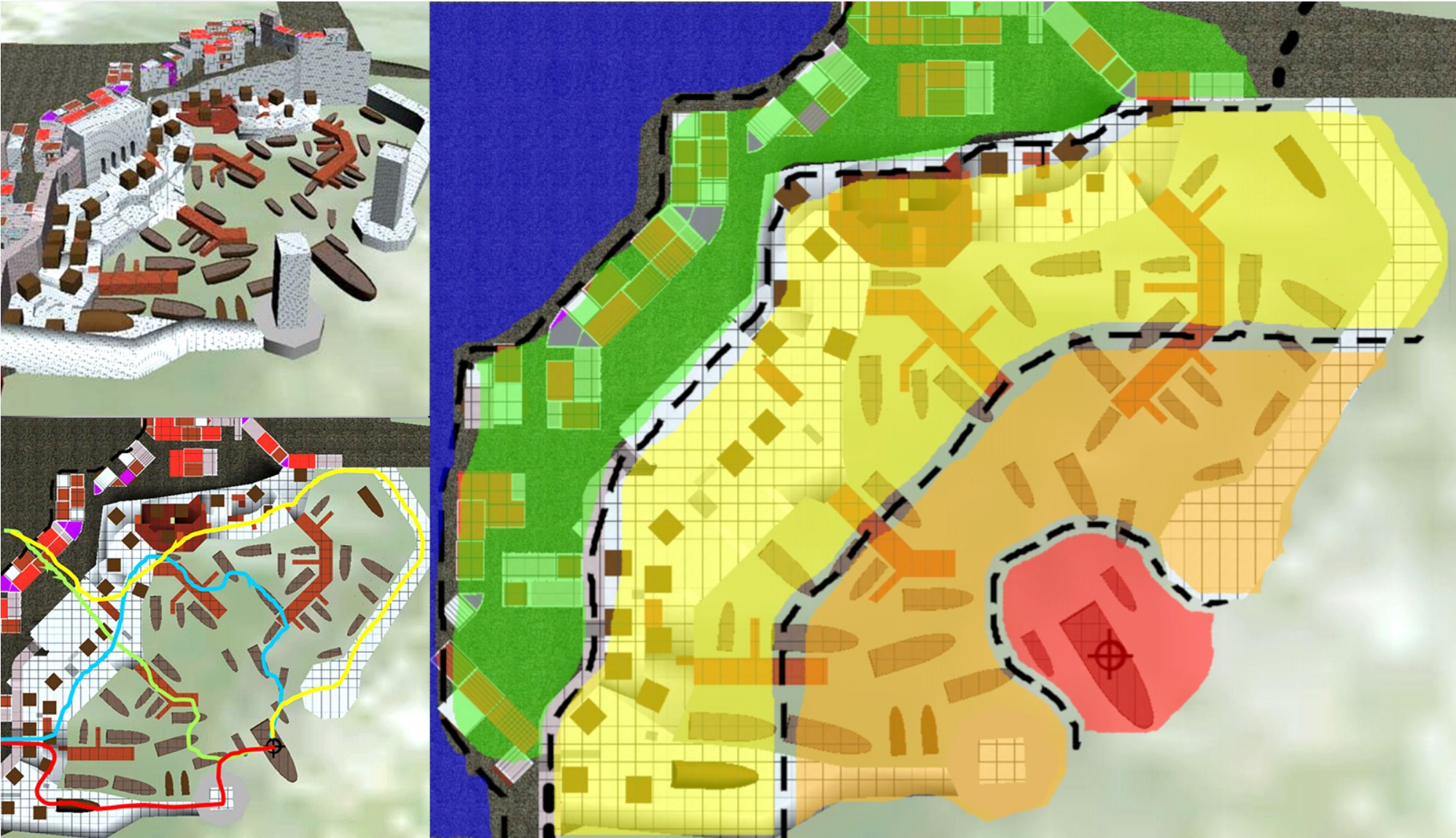
4. Fillers
In this note, "fillers" refers to the game elements. Once the floor plan is finished, you can add fillers to create a clearer image of the entire level. However, don't over-design in this phase, as detailed designs often change during build and testing, and too much content will make the level diagram clutter.